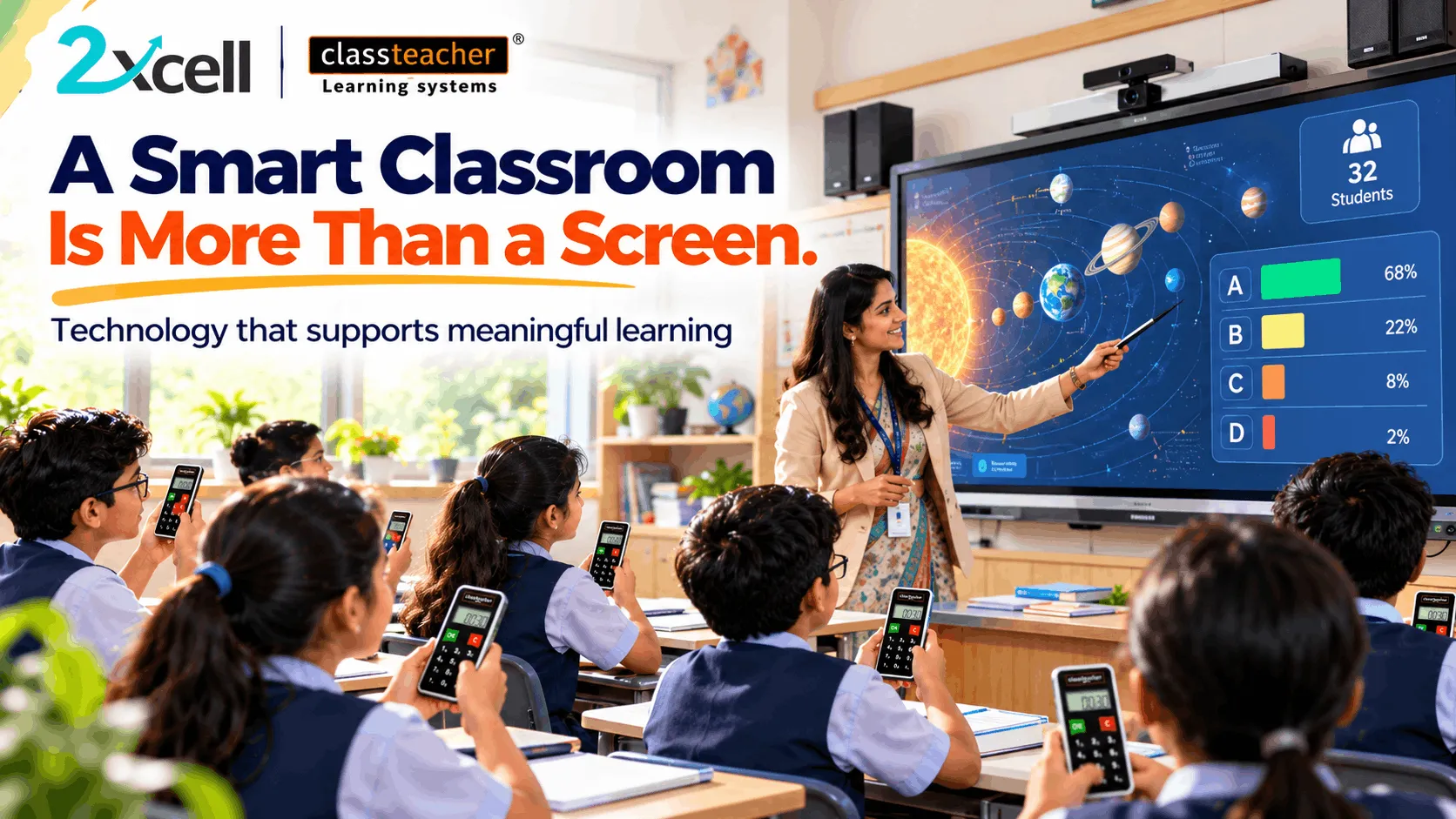
A smart classroom is often associated with interactive displays, digital boards, connected devices, and multimedia presentations. While these technologies can transform how lessons are delivered, installing equipment alone does not guarantee better teaching or improved student learning.
The real value of a smart classroom lies in how effectively technology supports the learning process.
A digital display may present information clearly, but students also need opportunities to explore concepts, participate in activities, ask questions, and demonstrate their understanding. Similarly, teachers need the confidence and training to select appropriate digital resources and integrate them into their lessons.
An effective smart classroom brings together technology, teaching practices, relevant content, and student participation.
The objective is to move beyond simply digitizing the classroom and create a learning environment where technology serves a clear academic purpose.
Technology + Teaching + Participation + Evaluation = Meaningful Digital Learning
What Is a Smart Classroom?
A smart classroom is a learning environment that uses digital technologies and educational resources to support classroom instruction, student engagement, assessment, and academic understanding.
Depending on the school's requirements and available infrastructure, it may include:
- Interactive flat panels or digital boards.
- Curriculum-aligned digital learning content.
- Multimedia lessons and educational videos.
- Interactive quizzes and assessments.
- Student response systems.
- Robotics, coding, and AI learning resources.
- Digital assessment and reporting tools.
- Teacher-controlled classroom applications.
However, a classroom does not become effective simply because it contains more devices.
The important question is whether the technology helps teachers explain concepts, encourages students to participate, and supports measurable learning objectives.
1. Start With Clear Learning Objectives
Every effective classroom lesson begins with a learning objective.
Before choosing a digital tool, teachers should determine what students are expected to understand, practise, or achieve by the end of the lesson.
For example, a science teacher teaching the water cycle may want students to identify evaporation, condensation, and precipitation and explain how these stages are connected.
An interactive display can present an animated demonstration, while a short classroom activity can help students check their understanding.
The technology supports the objective rather than becoming the objective itself.
Schools can encourage teachers to ask three questions before using a digital resource:
- What should students learn?
- How will the technology help explain or practise the concept?
- How will students demonstrate their understanding?
This approach helps ensure that digital tools contribute directly to teaching and learning.
2. Use Engaging and Relevant Digital Content

Digital content can help teachers present concepts through visuals, animations, demonstrations, diagrams, and interactive activities.
Some topics are difficult to explain through written descriptions alone. A visual representation can help students observe processes, understand relationships, and connect abstract ideas with familiar examples.
For example:
- Science: Animations can illustrate processes that are difficult to observe directly.
- Mathematics: Digital graphs can demonstrate how changing values affects a result.
- Geography: Interactive maps can help students explore locations and physical features.
- Languages: Audio, video, and interactive exercises can support language development.
- Computer science: Coding demonstrations can help students understand logical sequences.
Content should be accurate, age-appropriate, and aligned with the curriculum.
Teachers should also be able to choose resources according to lesson objectives instead of relying on digital presentations for every topic.
The best content is not necessarily the most visually complex. It is the content that helps students understand the concept more clearly.
3. Build Teacher Confidence With Classroom Technology
Even a well-equipped classroom can deliver limited value if teachers are uncomfortable using its technology.
Teachers need to understand how to operate classroom equipment, select appropriate resources, manage digital activities, and respond when technical issues occur.
Schools can support teachers through:
- Practical demonstrations of classroom equipment.
- Training on interactive teaching methods.
- Guidance on selecting digital learning content.
- Opportunities to practise before classroom implementation.
- Technical support when problems arise.
- Regular sharing of successful teaching practices.
Training should focus on classroom application, not just device operation.
For example, learning how to open a presentation is different from knowing how to use an interactive display to encourage student predictions, conduct a concept check, and explain a difficult topic.
Teacher confidence helps turn available technology into a practical teaching resource.
4. Make Student Participation Part of Every Lesson

A smart classroom should encourage students to participate rather than simply watch a screen.
When students respond to questions, discuss ideas, complete activities, and demonstrate their understanding, teachers gain more opportunities to assess whether the lesson is working.
Schools can encourage participation through:
- Live quizzes and polls.
- Interactive questions on digital boards.
- Group problem-solving activities.
- Student presentations.
- Digital experiments and simulations.
- Classroom discussions.
- Student response systems.
For instance, after explaining a mathematics concept, a teacher can conduct a short quiz to check whether students have understood the method.
The responses can help identify concepts that require another explanation.
Participation should involve as many students as possible, not only those who regularly volunteer answers.
The objective is to create a classroom where technology encourages interaction between teachers, students, and learning content.
5. Connect Classroom Technology With Assessment
Assessment is an important part of the teaching process because it helps teachers understand what students have learned and where additional support may be needed.
Digital classroom tools can support assessment through short quizzes, interactive exercises, question-wise analysis, and classroom response activities.
A lesson can follow this sequence:
Explain → Interact → Assess → Review → Reinforce
For example, a teacher introduces a science concept using a digital presentation, asks students to complete a short assessment, reviews their responses, and revisits any areas that remain unclear.
This provides more useful information than simply completing a presentation and moving to the next chapter.
Schools should choose assessment tools according to their academic requirements and ensure that teachers can interpret the results meaningfully.
Technology can help organize information, but teachers remain responsible for deciding what the results mean and what should happen next.
6. Evaluate Learning Outcomes, Not Just Technology Usage
The success of a smart classroom should not be measured only by the number of devices installed, lessons presented, or hours the equipment is used.
Schools should also consider whether the technology is contributing to the intended educational outcomes.
Useful indicators may include:
- Student participation during lessons.
- Understanding of key concepts.
- Performance in relevant assessments.
- Quality of student responses.
- Areas requiring additional explanation.
- Teacher confidence and satisfaction.
- Reliability and availability of classroom equipment.
- Effective use of digital resources.
For example, if an interactive activity generates high participation but students still misunderstand the concept, the teacher may need to adjust the explanation or provide additional practice.
Regular evaluation helps schools identify what is working and where improvements are needed.
7. Choose Technology According to Classroom Needs
Not every school requires the same combination of equipment and software.
A school's needs may depend on its curriculum, grade levels, classroom infrastructure, teacher readiness, student population, and available resources.
Before investing in a smart classroom solution, school leaders should consider:
Academic requirements: Does the solution support the subjects and learning objectives being taught?
Ease of use: Can teachers operate the system without unnecessary complexity?
Content quality: Are the digital resources accurate and appropriate for students?
Interactivity: Does the solution provide useful opportunities for student participation?
Assessment: Can teachers check understanding and review responses?
Support and maintenance: Is technical assistance available when required?
Scalability: Can the solution accommodate future needs without unnecessary duplication of investment?
A needs-based evaluation helps schools choose technology that fits their educational priorities rather than purchasing equipment based only on specifications.
8. Create a Consistent Digital Teaching Approach
Smart classroom implementation becomes more effective when schools establish a clear approach for using technology across subjects and grades.
Without guidance, digital tools may be used extensively in some classrooms and rarely in others.
School leaders can support consistency by developing practical guidelines covering lesson planning, content selection, student participation, assessment, and equipment management.
Teachers can share examples of successful lessons and discuss challenges they encounter.
For example, a school may encourage teachers to include at least one purposeful student interaction in selected digital lessons, where it supports the learning objective.
This does not mean every lesson must follow an identical format. Teachers should retain the flexibility to choose approaches appropriate for their subjects and students.
The goal is to establish common educational priorities while allowing teachers to adapt their methods.
9. Support Continuous Improvement Through Feedback
A smart classroom should evolve as teachers and students gain experience with the technology.
Schools can collect feedback from teachers, observe classroom activities, review assessment results, and identify recurring technical or instructional challenges.
This information can help schools decide whether they need additional training, different content, improved equipment, or changes to classroom practices.
A continuous improvement cycle can follow:
Plan → Implement → Observe → Evaluate → Improve
For example, if teachers find that a digital activity takes too long to set up, the school may simplify the process or provide additional training.
If students respond positively to interactive demonstrations but struggle during independent practice, teachers may introduce more guided exercises.
Small, informed adjustments can make classroom technology more useful over time.
10. How 2xcell and CLASSTEACHER Learning Systems Fit Into Digital Learning
A smart classroom may combine interactive hardware, educational content, assessment tools, and digital learning resources to support different teaching requirements.
2xcell AI Learning Platform by CLASSTEACHER Learning Systems can form part of a school's wider digital learning strategy. Depending on the features available and implemented, a connected learning environment can support learning content, practice, assessments, analytics, personalized learning, and student progress tracking.
CLASSTEACHER Learning Systems also provides classroom technology solutions, including smart classroom resources and Clicker-based student response systems.
These technologies can support different stages of a lesson:
- Teachers introduce concepts using appropriate learning resources.
- Students interact with questions and classroom activities.
- Assessments provide information about student understanding.
- Teachers review the available information and plan additional support.
The value depends on selecting the right combination of tools and integrating them into everyday teaching.
Schools should evaluate each solution according to its actual features, curriculum suitability, usability, support requirements, and educational outcomes.
Common Mistakes Schools Should Avoid
Even a significant investment in classroom technology can deliver limited value if implementation is not planned carefully.
Schools should avoid these common mistakes:
- Buying equipment without defining learning objectives. Start with educational needs before selecting technology.
- Ignoring teacher training. Provide practical guidance and opportunities to build confidence.
- Using digital content without reviewing quality. Ensure resources are accurate and curriculum-aligned.
- Treating screen time as student engagement. Create opportunities for students to think, respond, and apply concepts.
- Ignoring assessment and feedback. Review whether students are actually understanding the lesson.
- Overlooking maintenance and support. Plan for equipment reliability and technical assistance.
- Failing to evaluate results. Review implementation regularly and make improvements where necessary.
Avoiding these mistakes can help schools make more informed decisions and use their investments more effectively.
Conclusion
A smart classroom is more than a screen, a digital board, or a collection of connected devices.
Its real value comes from combining clear learning objectives, relevant educational content, confident teachers, active student participation, and regular evaluation of learning outcomes.
Technology can help teachers present concepts in different ways, involve students in classroom activities, and gather useful information about understanding. However, these benefits depend on how thoughtfully the technology is selected and implemented.
Schools should therefore evaluate smart classroom solutions not only by their technical features, but also by their ability to support meaningful teaching and learning.
With appropriate planning and solutions from CLASSTEACHER Learning Systems, including relevant classroom technology and digital learning resources, schools can work towards more interactive, purposeful, and student-focused learning environments. The 2xcell AI Learning Platform can also form part of a broader digital learning strategy where its capabilities meet the school's needs.
The most effective smart classroom is not the one with the most technology. It is the one where technology helps teachers teach with purpose and students learn with understanding.
Teach with Purpose. Engage Every Learner. Measure What Matters.