Introduction
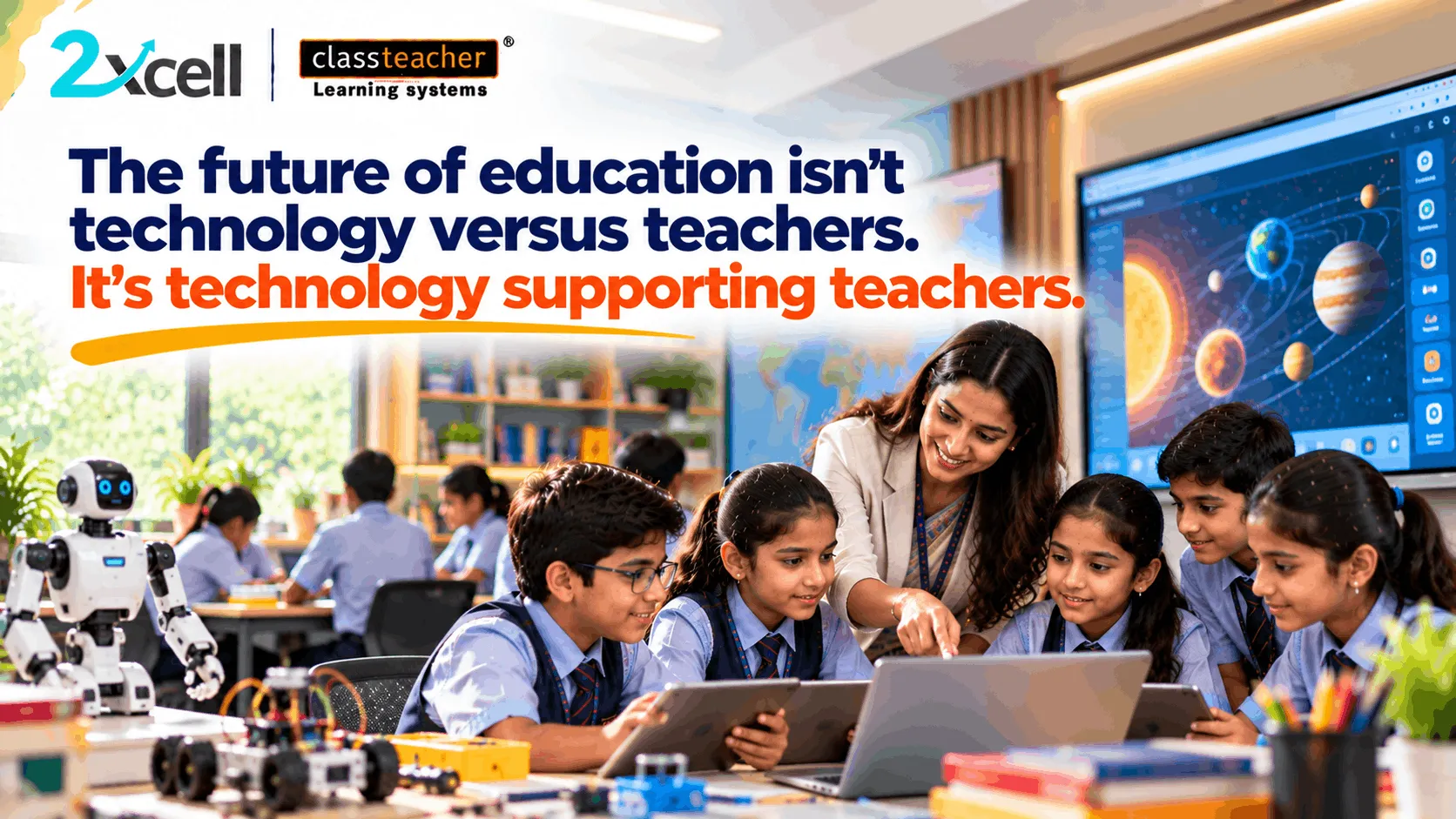
The future of education is not a competition between teachers and technology. It is about creating a learning environment where technology supports teachers in delivering meaningful, effective, and engaging lessons.
Teachers play a central role in education. They understand their students' learning needs, explain complex concepts, encourage curiosity, manage classroom interactions, and provide guidance that goes beyond academic instruction. Technology can support these responsibilities, but it cannot replace the importance of human understanding, professional judgement, and teacher-student relationships.
As schools explore digital learning tools, the most important question is not simply which technology to adopt. It is how that technology will support teachers and improve the learning experience.
A successful approach begins with educational goals, considers everyday classroom realities, and ensures that teachers have the training and support they need.
1. Why Teachers Must Remain at the Centre of Educational Technology
Every classroom includes students with different abilities, interests, learning preferences, and levels of understanding. Teachers interpret these differences and adapt their teaching accordingly.
Technology can provide useful resources, but teachers determine how and when those resources should be used.
For example, an interactive digital lesson may help students visualise a difficult scientific concept. However, the teacher still needs to explain the underlying principles, address questions, identify misunderstandings, and connect the activity with the curriculum.
The relationship can be understood as:
Teacher Expertise + Appropriate Technology = More Purposeful Learning Experiences
Technology should strengthen the teacher's ability to teach rather than introduce unnecessary complexity into the classroom.
2. Align Technology With Curriculum Requirements
One of the first questions schools should ask before adopting an educational tool is whether it supports their curriculum and academic objectives.
A platform may offer impressive features, but those features have limited value if they do not help teachers deliver lessons, reinforce concepts, or assess student understanding.
Curriculum alignment helps schools evaluate technology according to educational needs rather than appearance or popularity.
Before selecting a solution, school leaders can consider:
- Does it support the subjects and grade levels taught by the school?
- Can teachers connect its resources with lesson plans?
- Is the content appropriate for students' learning levels?
- Can it support explanation, practice, and assessment?
- Does it fit within the school's existing teaching approach?
For example, a digital learning resource should help teachers explain a relevant topic or give students meaningful opportunities to practise it.
The objective is to make technology a useful part of the learning process, not an additional task disconnected from classroom teaching.
3. Make Technology Easy for Teachers to Use
Even a feature-rich educational solution may remain underused if teachers find it difficult to operate.
Complicated interfaces, unclear workflows, technical problems, and time-consuming preparation can create barriers to adoption.
Schools should therefore evaluate usability alongside functionality.
An effective solution should allow teachers to understand its main features, prepare lessons efficiently, and use classroom resources without unnecessary technical effort.
When evaluating a tool, schools can ask:
- Can teachers learn the basic functions quickly?
- Is the interface easy to navigate?
- Can resources be accessed when needed?
- What happens if a technical issue occurs?
- Is assistance available when teachers need it?
Teachers should also have opportunities to test a solution before it is introduced widely.
A practical demonstration can reveal whether the technology fits the classroom environment and whether educators can use it confidently.
4. Use Technology to Encourage Student Participation
Educational technology can create opportunities for students to participate more actively in lessons.
Depending on the tool, teachers may use interactive presentations, digital activities, simulations, quizzes, or collaborative tasks to help students explore concepts.
For example, a teacher explaining a scientific process could use an interactive visual demonstration and then ask students to predict what might happen under different conditions.
Students can share their reasoning, compare observations, and discuss the results.
However, adding a digital activity does not automatically make a lesson effective. The activity should have a clear purpose and encourage students to think about the topic.
Teachers should consider whether the technology helps students ask questions, practise skills, explain their understanding, or apply concepts in a meaningful way.
The priority is meaningful participation, not screen time.
5. Provide Training Before Expecting Results
Introducing a new educational tool requires more than distributing access or installing equipment. Teachers need to understand how to use it in ways that support their teaching objectives.
Training should be practical, relevant, and connected to classroom situations.
For example, a teacher learning to use an interactive display should have an opportunity to prepare a lesson, use digital resources, annotate content, and guide a classroom activity.
Similarly, training on a digital learning platform should demonstrate how its available features can support teaching, practice, and assessment.
Schools can strengthen teacher readiness through:
- Hands-on workshops.
- Demonstration lessons.
- Subject-specific training.
- Peer learning and collaboration.
- Practice sessions before implementation.
- Follow-up guidance after deployment.
Training should not end after the initial introduction. Teachers may need additional support as they explore more advanced features or encounter new classroom requirements.
6. Make Ongoing Support Part of the Adoption Plan
Technology adoption is an ongoing process. Teachers may experience technical issues, need clarification about particular features, or discover new ways to integrate a tool into their lessons.
Without reliable support, these difficulties can reduce confidence and limit usage.
Before adopting a solution, school leaders should understand what support is available and how it can be accessed.
Important considerations include technical assistance, troubleshooting guidance, software updates, maintenance arrangements where applicable, and refresher training.
Schools should also establish a clear process for reporting problems and collecting feedback from teachers.
This helps ensure that challenges are addressed rather than becoming reasons to abandon a useful resource.
A successful implementation plan considers both the initial setup and the support required throughout the solution's use.
7. Evaluate Whether the Technology Is Making a Difference
Schools should assess educational technology according to its usefulness, not simply whether it has been installed or accessed.
Evaluation can help leaders understand whether a solution supports teachers, encourages student participation, and contributes to the intended learning objectives.
Depending on the tool and its purpose, schools may examine:
- Teacher confidence and feedback.
- Frequency and relevance of classroom use.
- Student participation in learning activities.
- Completion of practice tasks.
- Assessment performance over time.
- Time required to prepare or deliver activities.
- Technical reliability and support requirements.
For example, if a digital assessment tool is introduced to help teachers identify learning gaps, the school can review whether its reports provide useful information and whether teachers can use that information to plan follow-up instruction.
Results should be interpreted in context. Changes in student performance can be influenced by multiple factors, so schools should avoid attributing every improvement to a single technology.
The objective is to understand what works, what needs adjustment, and whether the investment is supporting the school's goals.
8. Consider Classroom Realities Before Choosing a Solution
Every school operates under different conditions. Student numbers, classroom layouts, internet access, available devices, teacher workloads, budgets, and technical resources can all influence whether a solution is suitable.
A tool that works well in one environment may require adjustments in another.
School leaders should evaluate the practical conditions in which the technology will be used.
For instance, a school with limited device availability may need a different implementation approach from one where every student has individual access to a device.
Similarly, a solution that requires extensive preparation may not fit easily into teachers' existing schedules without appropriate planning and training.
Before committing to a purchase, schools should consider:
- Their most important teaching and learning needs.
- The infrastructure and resources already available.
- The training teachers will require.
- The total cost of implementation and ongoing support.
- How the solution will be evaluated after adoption.
This approach helps schools choose tools that fit their actual circumstances rather than forcing classrooms to adapt to technology that may not be suitable.
9. How AI Can Support Teachers Responsibly
Artificial intelligence is creating additional possibilities for digital education. Depending on the platform and its available features, AI-enabled tools may assist with activities such as organising learning information, supporting content discovery, identifying patterns in assessment data, or recommending additional practice.
However, AI-generated information should be reviewed appropriately, and its use must be guided by educational objectives, student privacy, and responsible practices.
Teachers remain important in determining whether a recommendation is appropriate for a particular student or classroom.
Schools exploring AI should establish clear expectations for its use, verify the reliability of outputs, and ensure that teachers understand both the capabilities and limitations of the technology.
The objective is to use AI as a supportive resource while preserving teacher judgement, student agency, and meaningful human interaction.
10. How CLASSTEACHER Learning Systems Fits Into the Discussion
Schools evaluating educational technology can explore solutions that align with their curriculum, teaching methods, and infrastructure.
CLASSTEACHER Learning Systems offers education-focused solutions that schools can assess as part of their classroom modernisation and digital learning plans.
The 2xcell AI Learning Platform by CLASSTEACHER Learning Systems can also be evaluated as part of a broader digital learning strategy, depending on its available features and the school's requirements.
When reviewing any educational solution, school leaders should examine how it supports educators, whether teachers can use it confidently, and what training and ongoing support are provided.
They should also assess curriculum relevance, student participation, implementation requirements, and ways to measure usefulness.
The best choice is not necessarily the solution with the largest number of features. It is the one that meets the school's needs and can be used effectively by the people responsible for teaching and learning.
11. A Practical Checklist for School Leaders
Before adopting a new educational technology solution, school leaders can use the following checklist.
Educational relevance
- Does the solution address a clearly defined teaching or learning need?
- Is it appropriate for the curriculum and student age groups?
Teacher readiness
- Can teachers operate it confidently?
- Is practical training available?
Classroom integration
- Can it fit into existing lesson plans and workflows?
- Does it encourage meaningful student participation?
Implementation and support
- Are the infrastructure and resources sufficient?
- Is technical assistance available when needed?
Evaluation
- What outcomes should improve?
- How will the school collect feedback and review progress?
Discussing these questions with teachers before making a decision can help schools identify potential barriers early and select solutions with a clearer purpose.
Conclusion
The future of education is not about choosing between teachers and technology. It is about ensuring that technology supports the people, practices, and goals that make learning meaningful.
Teachers bring professional judgement, subject knowledge, empathy, and an understanding of their students. Educational technology can complement these strengths when it is relevant to the curriculum, practical to use, supported by effective training, and evaluated against clear objectives.
For school leaders, the process should begin by identifying a genuine need and asking how a proposed solution will help teachers address it.
By prioritising curriculum alignment, usability, student participation, professional development, and ongoing support, schools can make more informed decisions about educational technology.
The right technology does not take the teacher out of the classroom. It helps the teacher make learning more purposeful.